Starting your validator
There are two methods to start your validator.
Only run one method or the other. If you have followed the guide, then proceed to option 2 below to start as a background service.
1) Manual
Manual will require you to keep the terminal window open or use a terminal multiplexor (tmux) as the validatator will die if the window closes.
Run the exec file from the home dir
cd ~./validator-start.sh
2) System Service (Auto)
The service will run in the background and will auto start 1 second after the system reboots.
NOTE: complete the section Setup System Service first.
Run as sudo or root user
Enable the service to run in auto
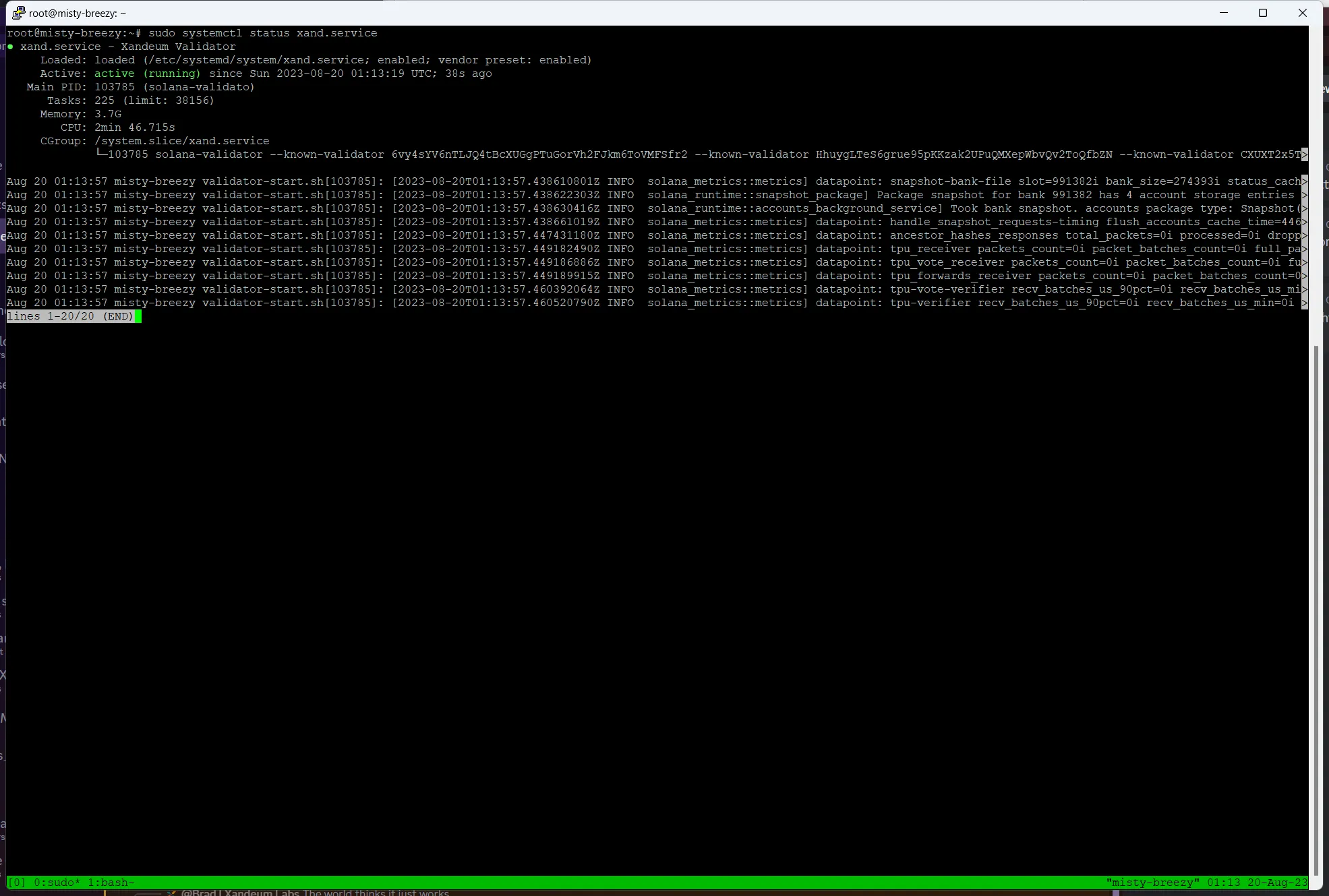
sudo systemctl enable --now xand.serviceCheck if the service started and stayed running
sudo systemctl status xand.serviceNote: You should see the service is active (running) and you should see no exit code in the log at the bottom of the status window as shown below.
Press q to quit.
Continue to Monitoring your validator